Shopping Cart
Your shopping cart is empty!
Your best online store in Jordan
+962 6 5677 488

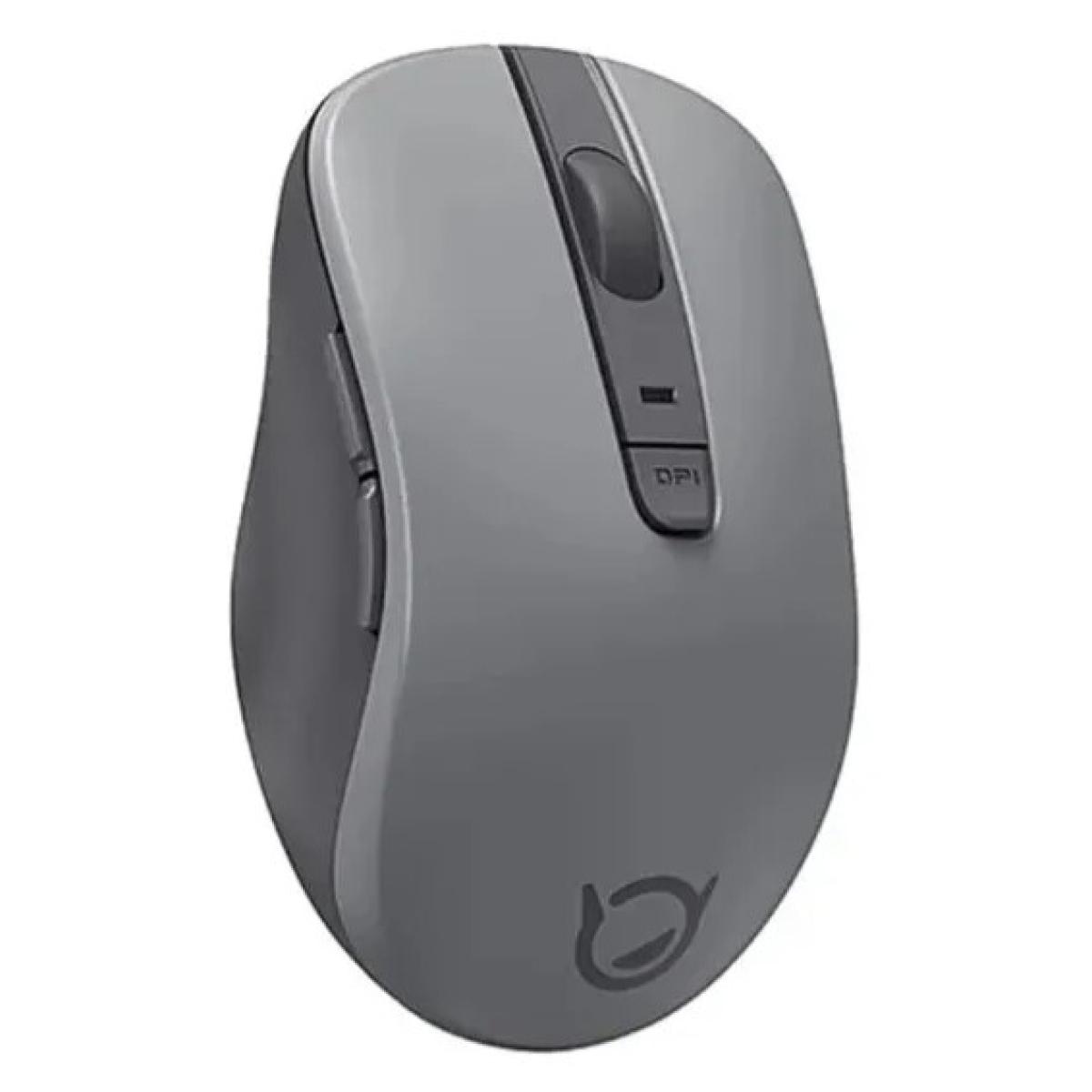
The Lenovo M1 Xiaoxin BT Wireless Silent Mouse is designed for users who need a quiet, comfortable, and reliable wireless mouse for work, study, and everyday use. Featuring Bluetooth 5.0 connectivity, silent-click technology, adjustable DPI settings, and a lightweight design, it delivers smooth performance whether you're working in the office, studying at home, or traveling.
With an optical sensor supporting 800, 1200, and 1600 DPI resolution levels, the Lenovo M1 allows precise cursor control across different screen sizes and tasks. The silent buttons reduce clicking noise, making it ideal for shared workspaces, libraries, meetings, and late-night productivity sessions.
Its Bluetooth 5.0 connection eliminates the need for a USB receiver while providing a stable wireless connection with an effective operating range of up to 10 meters.
| Specification | Details |
|---|---|
| Model | Lenovo M1 Xiaoxin |
| Connectivity | Bluetooth 5.0 |
| Sensor Type | Optical |
| DPI Levels | 800 / 1200 / 1600 |
| Buttons | 5 Buttons + Scroll Wheel |
| Operating Range | Up to 10m |
| Input Voltage | 1.5V = 20mA |
| Weight | 67g |
| Color | Rock Gray |
The Lenovo M1 Xiaoxin is a Bluetooth wireless mouse featuring silent-click buttons, adjustable DPI settings, and a lightweight ergonomic design suitable for work, study, and daily computing.
Yes. The mouse uses Bluetooth 5.0 technology for stable wireless connectivity without requiring a USB receiver.
Yes. It features silent-click buttons that significantly reduce clicking noise, making it ideal for offices, libraries, classrooms, and shared workspaces.
Yes. Users can switch between 800 DPI, 1200 DPI, and 1600 DPI depending on their precision and speed requirements.
The mouse supports an effective wireless operating range of approximately 10 meters under normal conditions.
Yes. Its silent operation, comfortable design, and Bluetooth connectivity make it an excellent choice for office productivity and remote work.
Yes. It works with Bluetooth-enabled laptops, desktops, tablets, and compatible devices.
No. The mouse connects directly through Bluetooth 5.0 and does not require a USB dongle.
The mouse is primarily designed for office work, productivity, browsing, and general use. Casual gaming is possible, but it is not intended as a dedicated gaming mouse.
The mouse weighs approximately 67 grams, making it lightweight and easy to carry.
| Connectivity | |
|---|---|
| Connectivity, standard | Bluetooth 5.0 |
| Product Specifications | |
| Wireless Frequency Range | 10 meters |
| Mouse | |
| Buttons | 5 buttons + 1 wheel |
| DPI | 800/1200 (default)/1600 |
| General Features | |
| Color | rock gray |
| Battery | |
| Battery (Type) | 1 x AA (included) |

JOD 5.00

JOD 29.00

JOD 119.00 JOD 79.00

JOD 119.00 JOD 79.00

JOD 69.00 JOD 55.00
-70x70.jpg)
JOD 7.00
Got questions? Call us
Saturday -Thursday: from 9:00AM to 7:00PM
Amman - Jordan, 128 Wasfi Al Tal St (Gardens) -Bahjat Gardens Center